
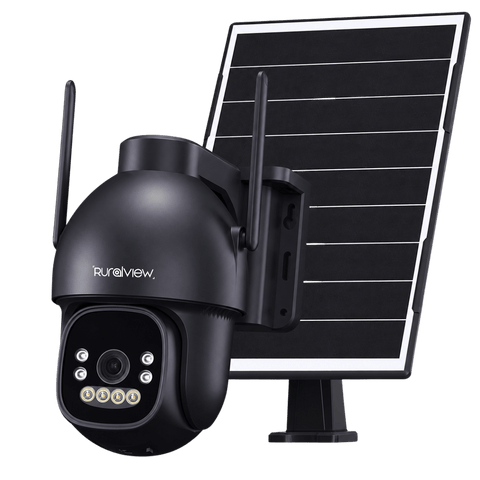
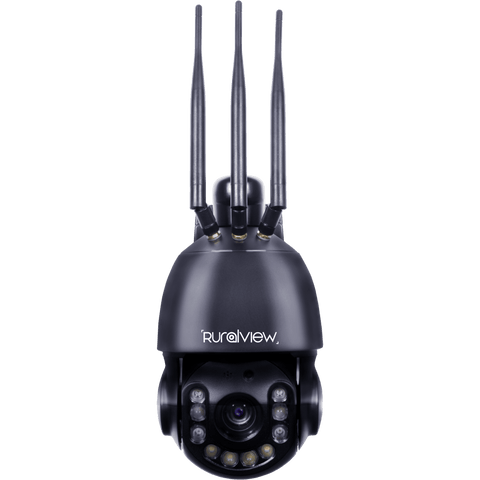
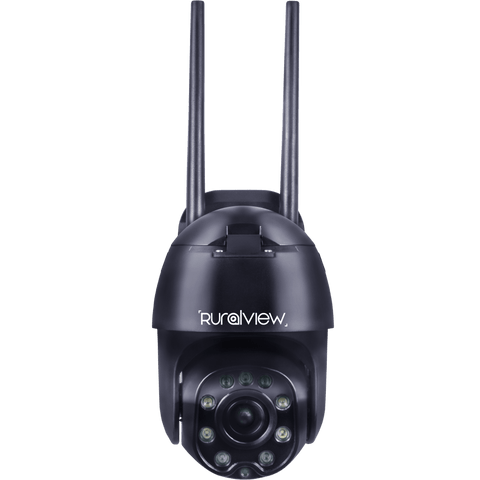
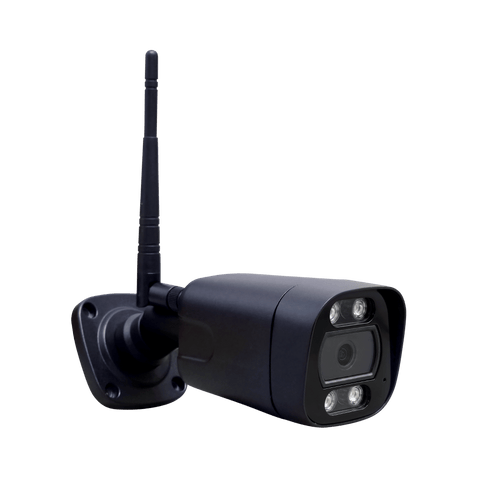




Let’s get your camera online
Find your camera setup guide, activate a Multi-SIM or get help using the CamHiPro app.
Ready to fit your camera? Plan its position with our camera installation guide.


Download the CamHiPro app
For cameras that use CamHiPro, download the app for your compatible Android or Apple device. Check your model’s setup guide before choosing an app. The app is free to use; 4G SIM data charges are separate.
Explore app guides


CamHiPro App Guides
We've created guides to help you navigate and use the app.
Alarms & notifications
- Vehicle & human detection
- Save to SD card
- Set schedules
- Receive notifications
- Backup to FTP server
Other app settings
- Pan, tilt and zoom controls
- Setting the time
- 24/7 recording settings
- Share camera with other device
- Night vision settings
360 Zoom tracking
- Auto human tracking
- Cruising from point A to point B
- Save set positions
- Change pan and tilt speed
- Infrared Settings
Need a hand with setup?
Chat with Lenny for setup help and access to our UK support team. Have your camera model and connection type ready.