An example farm to help you choose. Check power, signal and the view at your own mounting position.
Read all 18 location recommendations
1. Gateway
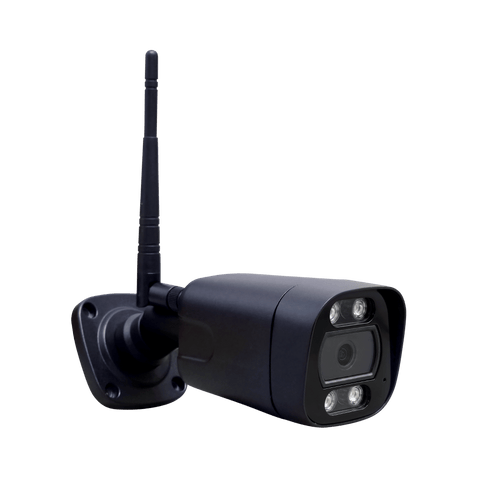
You want to see who arrives at the gateway without moving the camera around. A fixed bullet view covers the entrance, with people and vehicle detection for arrivals.
The bullet camera watches one direction. People and vehicle alerts help you keep an eye on arrivals.
Choose a WiFi/wired version or a separate 4G version when buying. The WiFi/wired version cannot connect to 4G. The 4G version cannot connect to WiFi.
RuralView Bullet Camera2. Rear entrance
People and vehicles come around this corner before entering the yard. The 360 Zoom can follow their movement and zoom in when you want a closer look.
Choose the people-and-vehicle detection version for tracking movement around this entrance.
Choose a WiFi/wired version or a separate 4G version when buying. The WiFi/wired version cannot connect to 4G. The 4G version cannot connect to WiFi.
RuralView 360 Zoom3. Main yard entrance
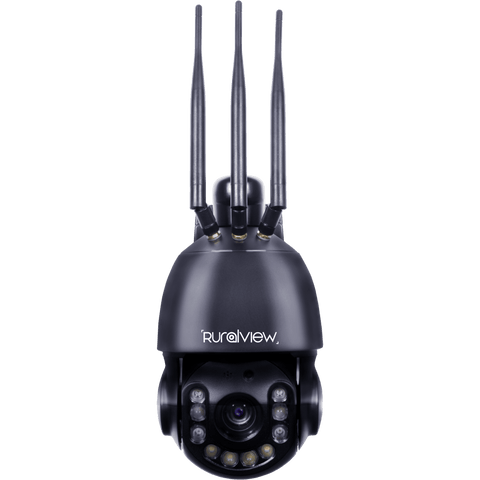
Your main yard has a larger area to cover, with deliveries and visitors coming and going. The 360 Zoom gives you the reach and tracking to follow activity across it.
Useful when you want to inspect activity across a larger area. Choose the people-and-vehicle detection version.
Choose a WiFi/wired version or a separate 4G version when buying. The WiFi/wired version cannot connect to 4G. The 4G version cannot connect to WiFi.
RuralView 360 Zoom4. Front of the house
You want a clear view of the front door and house entrance. A bullet camera keeps that area in view, wired to the nearby router for a reliable connection.
The router is close by, so this customer chose a wired connection for reliability. The house extender also reaches here.
Choose a WiFi/wired version or a separate 4G version when buying. The WiFi/wired version cannot connect to 4G. The 4G version cannot connect to WiFi.
RuralView Bullet Camera5. Garden & rear drive
You want to check the rear drive and garden, but also enjoy watching the birds. Pan across the garden, then zoom in on the bird table for a closer look.
Choose the detection version to suit your security needs. Wildlife watching is a viewing use, not automatic animal detection.
Choose a WiFi/wired version or a separate 4G version when buying. The WiFi/wired version cannot connect to 4G. The 4G version cannot connect to WiFi.
RuralView 360 Zoom6. Bottom gateway
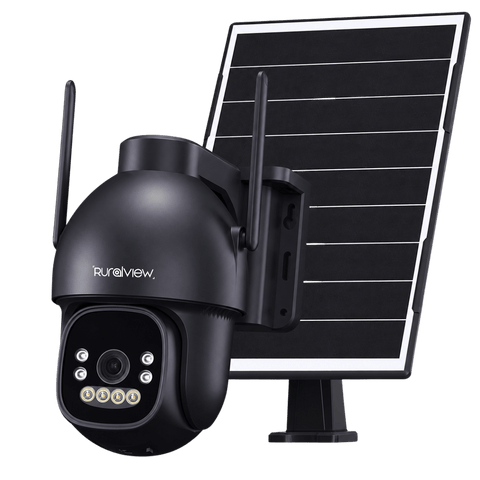
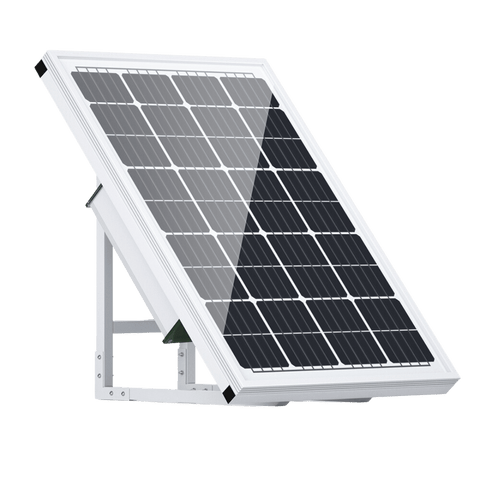
This bottom gate stays locked and is rarely used, with no mains power nearby. A solar 4G camera lets you check for people without running cables down to the entrance.
A useful option for an occasional entrance away from the buildings. Position the solar panel with good daylight exposure.
4G only. This camera does not connect to WiFi. It needs a SIM, paid data plan and suitable mobile signal.
RuralView Solar 4G7. Log yard · off-grid
You store logs away from the powered buildings and want to know if someone enters the yard. Solar power and a 4G SIM make this a practical spot for a people-detection camera.
This position has no mains supply. A 4G SIM provides the connection where mobile coverage is available.
4G only. This camera does not connect to WiFi. It needs a SIM, paid data plan and suitable mobile signal.
RuralView Solar 4G8. Cattle shed
You want to check cattle at the far end of a long shed without walking through it each time. The 360 Zoom lets you look along the shed and zoom in where you need more detail.
Use the 5 MP people-only detection version here. Watching cattle does not mean the camera automatically detects animals.
Choose a WiFi/wired version or a separate 4G version when buying. The WiFi/wired version cannot connect to 4G. The 4G version cannot connect to WiFi.
RuralView 360 Zoom9. Log yard · powered
You already have mains power here and just want to see what is happening in the log yard. The Mini gives you a wide overview and lets you move the view around.
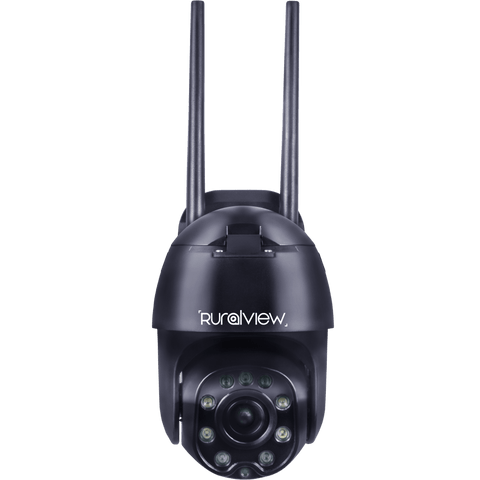
There is mains power at this position. The Mini is useful for an overview without needing the larger zoom camera.
Both WiFi and 4G are built into the same camera. Use the rear switch to select one connection at a time. A SIM and paid data plan are needed only for 4G use.
RuralView 360 Mini10. Small shed area
You are watching a small space where a narrow view could miss activity at the edges. The Mini's wider view helps you see more, and you can turn it to check another corner.
The Mini suits smaller spaces. Place it to minimise obstructions; a movable camera does not see every direction at once.
Both WiFi and 4G are built into the same camera. Use the rear switch to select one connection at a time. A SIM and paid data plan are needed only for 4G use.
RuralView 360 Mini11. Rear yard
Tractors, deliveries and other vehicles regularly pass through the rear yard. A fixed bullet camera covers the route, with vehicle detection to help you monitor the traffic.
Position the camera to cover the main route through the rear yard. Vehicle detection is the priority here.
Choose a WiFi/wired version or a separate 4G version when buying. The WiFi/wired version cannot connect to 4G. The 4G version cannot connect to WiFi.
RuralView Bullet Camera12. Lambing shed
You want to check on lambing in a smaller shed, with the furthest pens around 20 metres away. The Mini gives you a wide view and lets you look around the pens remotely.
For this example, choose the Mini when the required lambing viewing distance is around 20 metres or less. Actual detail depends on positioning and conditions.
Both WiFi and 4G are built into the same camera. Use the rear switch to select one connection at a time. A SIM and paid data plan are needed only for 4G use.
RuralView 360 Mini13. Back of the farm
You want a backup view down the back of the farm to see people and vehicles coming to and from the log yard. A fixed bullet camera keeps this route in view, with people and vehicle detection for activity along the entranceway.
Mount the bullet camera to look along the rear access route. Choose the WiFi/wired or separate 4G version to suit the connection available here; confirm power at the mounting point.
Choose a WiFi/wired version or a separate 4G version when buying. The WiFi/wired version cannot connect to 4G. The 4G version cannot connect to WiFi.
RuralView Bullet Camera14. Sheep lambing field
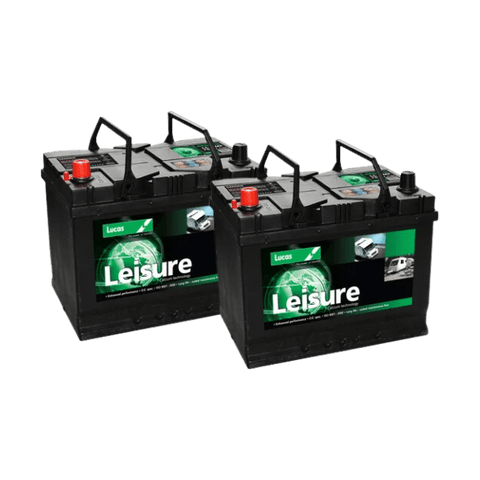
There is no power here, but you want a high-powered camera to look across the sheep field. A compatible leisure battery can run the 360 Zoom. It needs more regular charging and checks, but lets you use a more powerful camera at this location.
Plan for charging and battery checks, and confirm the battery connection and runtime for your setup. The camera lets you view sheep; people-only detection does not mean automatic animal detection.
Choose a WiFi/wired version or a separate 4G version when buying. The WiFi/wired version cannot connect to 4G. The 4G version cannot connect to WiFi.
RuralView 360 Zoom15. Paddocks
You want to look across the paddocks, check on the horses and see people or vehicles approaching. The 360 Zoom lets you scan the area and zoom in on activity further away.
For this example, choose the people-and-vehicle detection version. Watching horses through live view does not mean automatic horse detection.
Choose a WiFi/wired version or a separate 4G version when buying. The WiFi/wired version cannot connect to 4G. The 4G version cannot connect to WiFi.
RuralView 360 Zoom16. Inside the stable
You want to check your horse inside the stable without needing to move the view. A bullet camera gives you a wide fixed view; choose the Mini if you would also like to look around.
A fixed camera can cover the main stable area. For an even wider view and the ability to look around, consider the Mini. Coverage depends on mounting and obstructions.
Choose a WiFi/wired version or a separate 4G version when buying. The WiFi/wired version cannot connect to 4G. The 4G version cannot connect to WiFi.
RuralView Bullet Camera17. Dog field entrance
Visitors use this dog field entrance, but there is no mains supply for a camera. Solar 4G gives you a view of arrivals with people detection, without needing WiFi from the house.
People detection helps you monitor visitors at this entrance. It does not mean automatic dog detection.
4G only. This camera does not connect to WiFi. It needs a SIM, paid data plan and suitable mobile signal.
RuralView Solar 4G18. Dog field overview
You visit the dog field regularly and want to check activity across the whole space. A 5-megapixel Zoom on a compatible leisure battery gives you a closer view, with charging and battery checks worked into your visits.
This example uses the people-only version for visitor alerts and live viewing across the dog field. It does not automatically detect dogs. Check battery compatibility and plan regular recharging.
Choose a WiFi/wired version or a separate 4G version when buying. The WiFi/wired version cannot connect to 4G. The 4G version cannot connect to WiFi.
RuralView 360 Zoom