
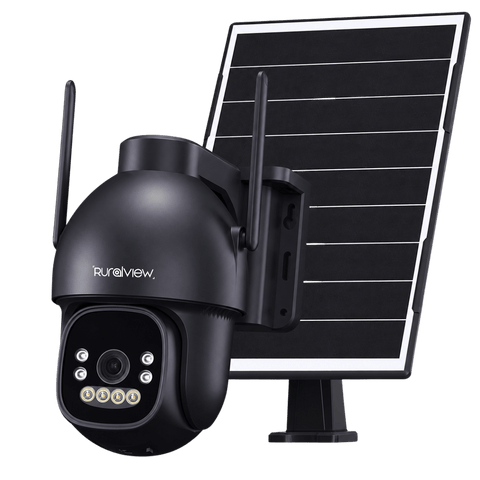
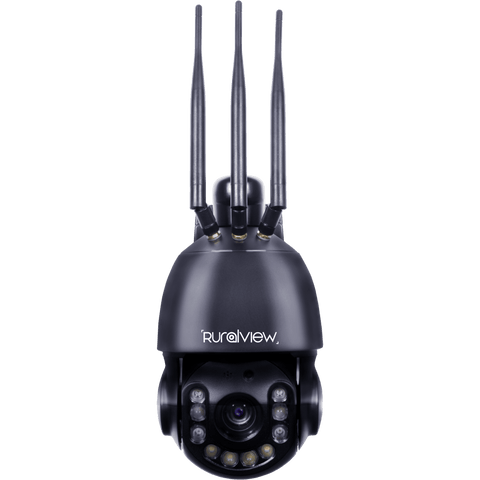
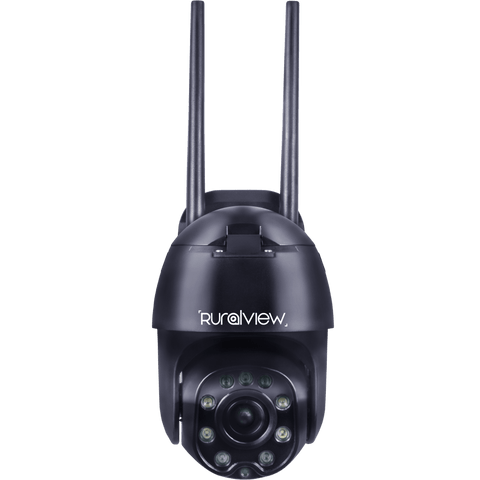
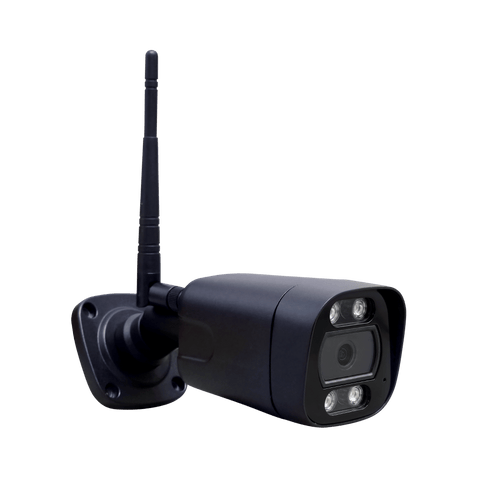



Bullet camera setup guides
Choose the guide for your 4G or WiFi Bullet camera, then explore the app settings below.
For choosing a position and securing your Bullet camera, see our camera installation guide.

Bullet 4G Camera
Follow this guide to set up and connect your RuralView Bullet 4G Camera.
4G Setup Guide
Bullet WiFi Camera
Follow this guide to set up and connect your RuralView Bullet WiFi Camera.
WiFi Setup GuideExplore the CamHiPro app
Alarms & notifications
- Vehicle & human detection
- Save to SD card
- Set schedules
- Receive notifications
Other app settings
- Pan, tilt and zoom controls
- Setting the time
- 24/7 recording settings
- Share camera with other device
- Night vision settings
Need a hand with setup?
Chat with Lenny for setup help and access to our UK support team. Have your camera model and connection type ready.